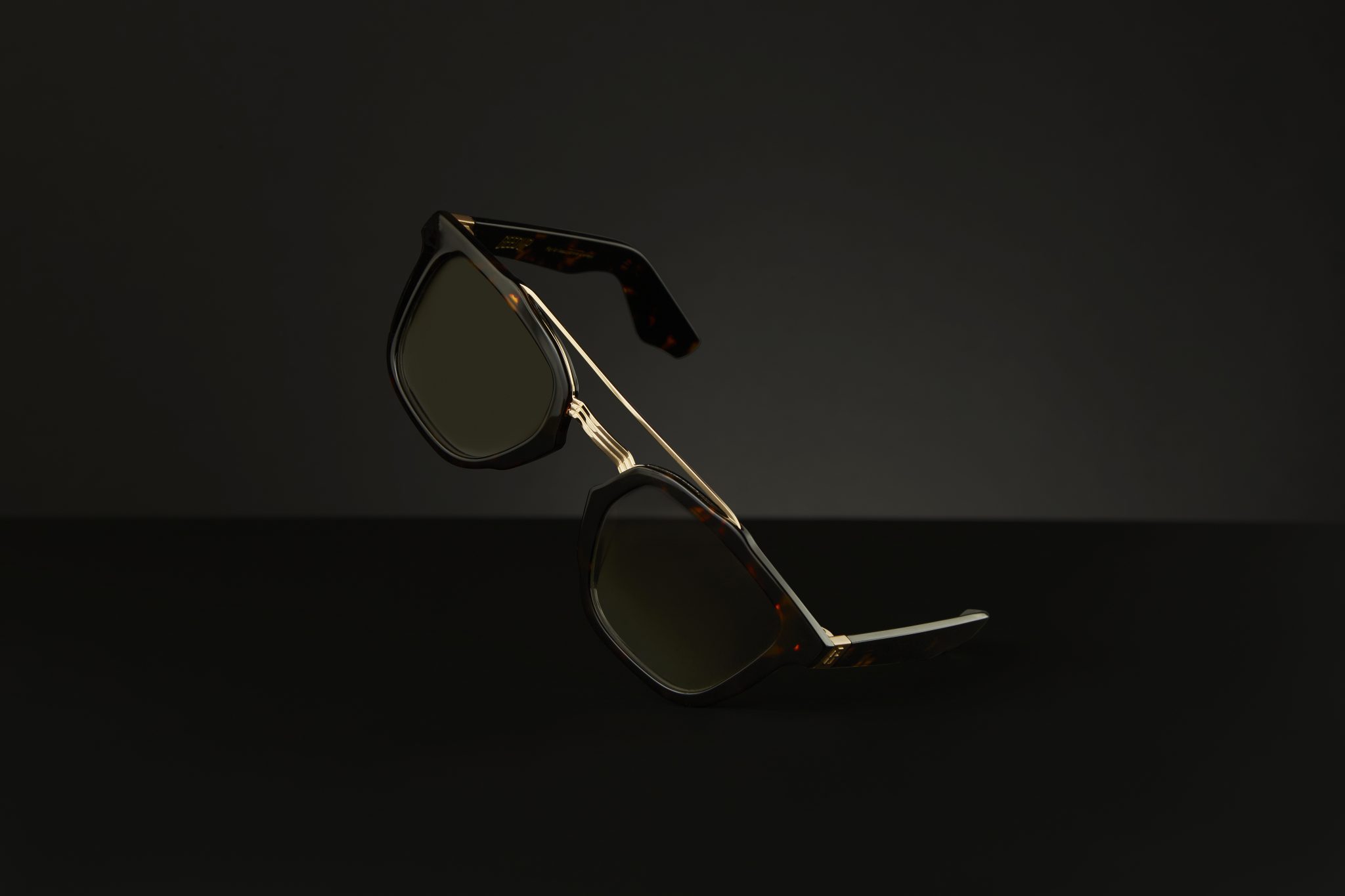


Amazon Product Photography Requirements Checklist
Selling on Amazon is highly competitive, and your website images are often the first thing customers notice. Before they read your product description or compare prices, they're making a judgement based on your product photography. High-quality ecommerce photography doesn't just help you meet Amazon's image requirements—it also builds trust, improves click-through rates, and can increase conversions.
Whether you're launching a new product, expanding your online store, or growing your retail business, this checklist will help you prepare professional product images that meet Amazon's standards while presenting your products at their best.
1. Use a Pure White Background
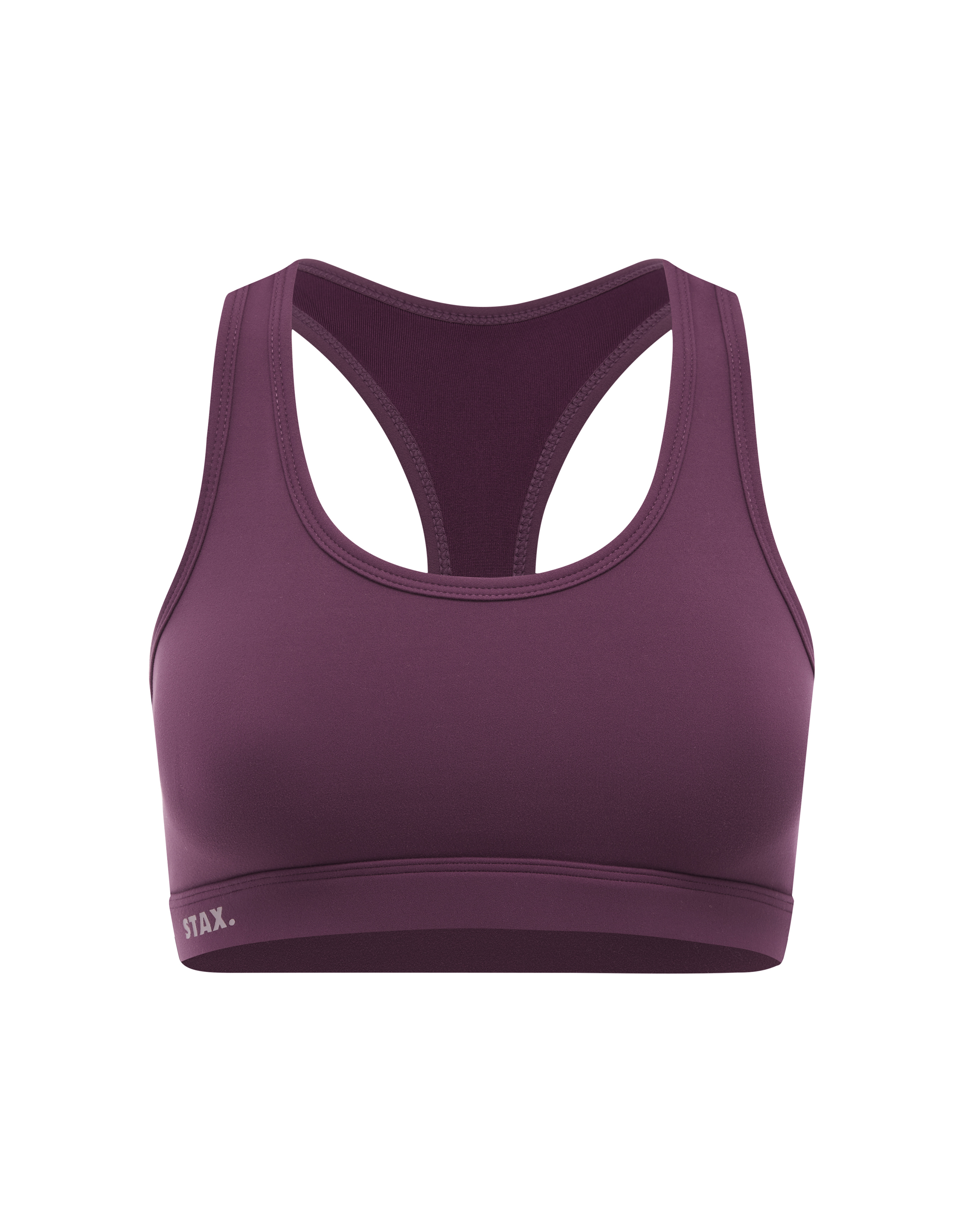
Amazon requires the main product image to have a pure white background (RGB 255, 255, 255).
A clean white background keeps the focus on the product and creates a consistent shopping experience across the platform. Professional ecommerce product photography uses carefully controlled lighting to achieve this naturally, rather than relying on excessive editing.
✔ Pure white background
✔ Even lighting
✔ No unwanted shadows or colour casts
2. Show Only the Product
Your main Amazon image should contain only the product being sold.
Avoid including:
- Logos
- Promotional text
- Watermarks
- Borders
- Extra accessories (unless included with the purchase)
- Graphic overlays
Keeping the image simple allows customers to clearly see what they are buying.
3. Use High-Resolution Images
Amazon recommends images that allow customers to zoom in.
For the best experience:
- Minimum 1,000 pixels on the longest side
- 2,000 pixels or larger is recommended
- High-quality JPG format
Professional website images allow shoppers to inspect textures, materials and product details before purchasing.
4. Fill Most of the Frame
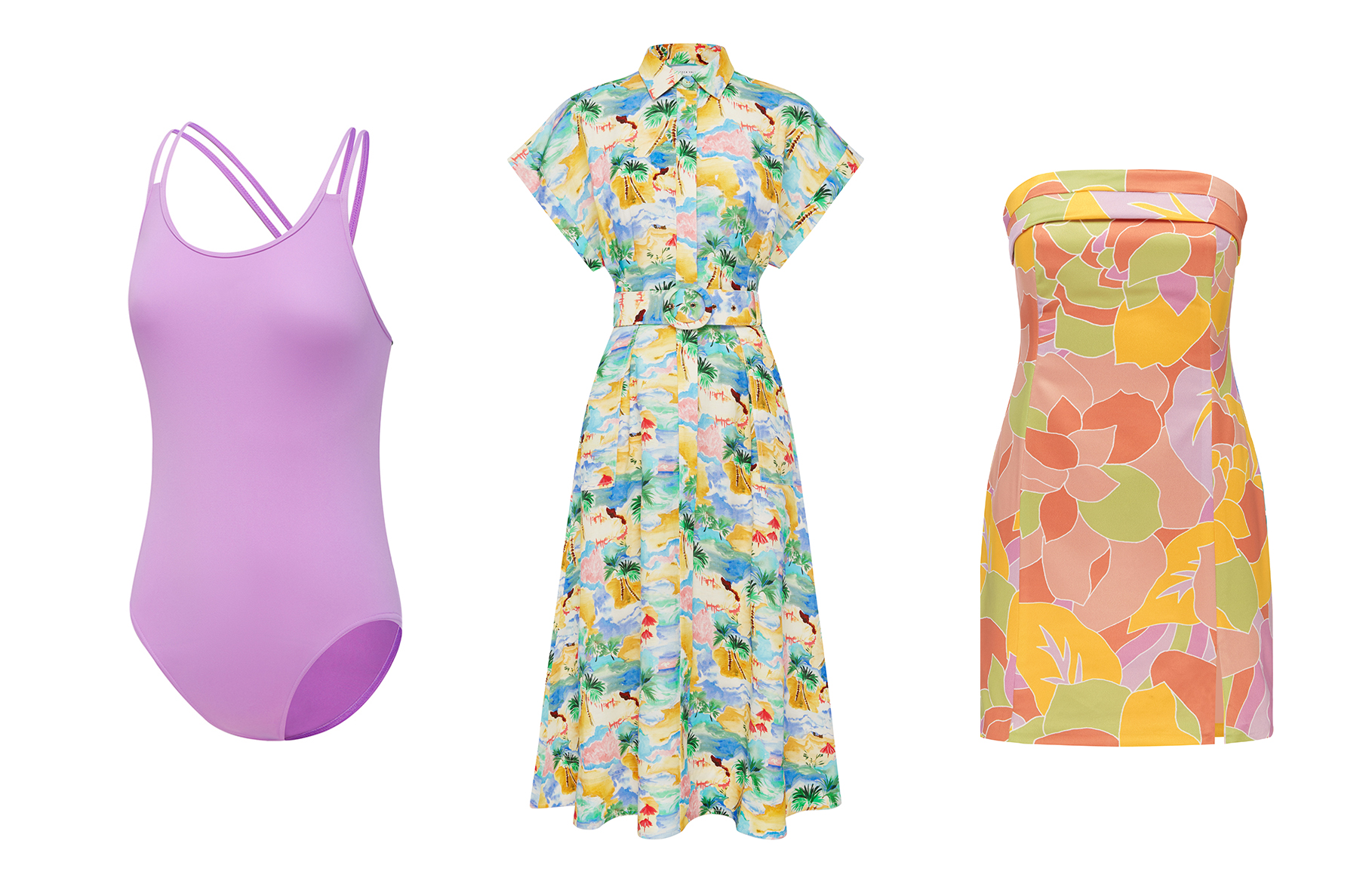
The product should occupy approximately 85% or more of the image.
Avoid leaving excessive empty space around the product, while ensuring nothing is cropped unintentionally.
A well-composed image helps your listing appear cleaner and more professional.
5. Show Multiple Angles
While the main image should remain simple, your gallery images should tell the complete story.
Include:
- Front view
- Side view
- Rear view
- Close-up details
- Packaging
- Key features
Providing multiple views helps customers feel more confident when selling online.
6. Include Lifestyle Images
Additional images don't have to follow the same white-background requirements.
Lifestyle photography helps customers understand:
- Scale
- Size
- How the product is used
- Materials
- Real-world applications
Professional retail photography combines clean ecommerce images with engaging lifestyle content to improve customer confidence.
7. Maintain Accurate Colours
Customers expect products to look the same when they arrive as they did online.
Professional colour management ensures:
- Accurate product colours
- Consistent white balance
- Natural skin tones (where applicable)
- Realistic materials and textures
Accurate colour is particularly important for fashion, beauty, furniture and homewares.
8. Keep Every Product Image Consistent
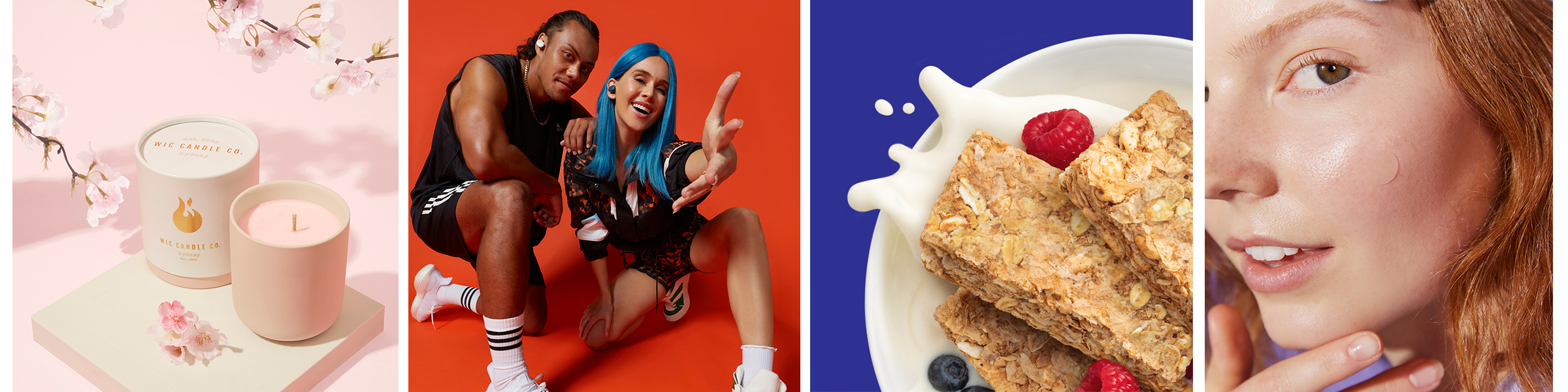
Consistency creates trust.
Every product in your online store should follow the same style, including:
- Lighting
- Cropping
- Camera angles
- Background
- Shadow style
- Colour grading
Consistent imagery creates a stronger brand identity and improves the overall shopping experience.
9. Optimise Images for Every Platform
Your Amazon images shouldn't only work on Amazon.
A professional ecommerce photography production should also provide images suitable for:
- Shopify
- WooCommerce
- Google Shopping
- Your website
- Social media
- Email marketing
- Retail catalogues
Planning for multiple uses saves both time and production costs.
10. Work With an Ecommerce Photography Studio
Creating Amazon-compliant images is about more than simply meeting technical requirements.
Professional product photography ensures your products look premium while remaining consistent across your website, Amazon listings, advertising campaigns and other retail platforms.
An experienced studio can also provide:
- White background photography
- Lifestyle photography
- Product retouching
- Ghost mannequin photography
- Styled product photography
- Video production
- Content production
This gives your brand a complete library of marketing assets from a single production.
Amazon Product Photography Checklist
Before uploading your listing, make sure your images meet the following requirements:
✅ Pure white background (main image)
✅ High-resolution image (minimum 1,000px, ideally 2,000px+)
✅ Product fills around 85% of the frame
✅ No text, logos or watermarks
✅ Accurate colours
✅ Sharp focus and proper lighting
✅ Multiple product angles
✅ Lifestyle images for additional gallery photos
✅ Consistent photography across your catalogue
✅ Optimised for Amazon, your online store, and other ecommerce platforms
Final Thoughts
Professional ecommerce photography is one of the most valuable investments for businesses selling online. While meeting Amazon's image requirements is important, creating premium website images that build trust and showcase your products effectively is what ultimately drives sales.
At Design Identity, we specialise in product photography, ecommerce photography, and content production for Australian brands. Whether you're launching products on Amazon, expanding your online store, or supplying major retail marketplaces, we create professional imagery designed to help your products stand out and convert more customers.
-
Like what you see?
Please get in touch with us to transform your brand!
We can complete high end ecommerce photography for your business to improve sales and generate awareness in your industry.
Bookings@designidentity.com.au | 02 8339 0130